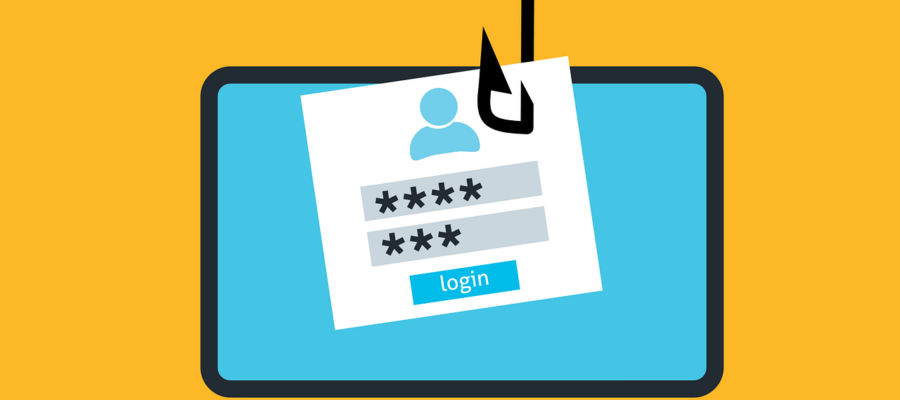
What is phishing?
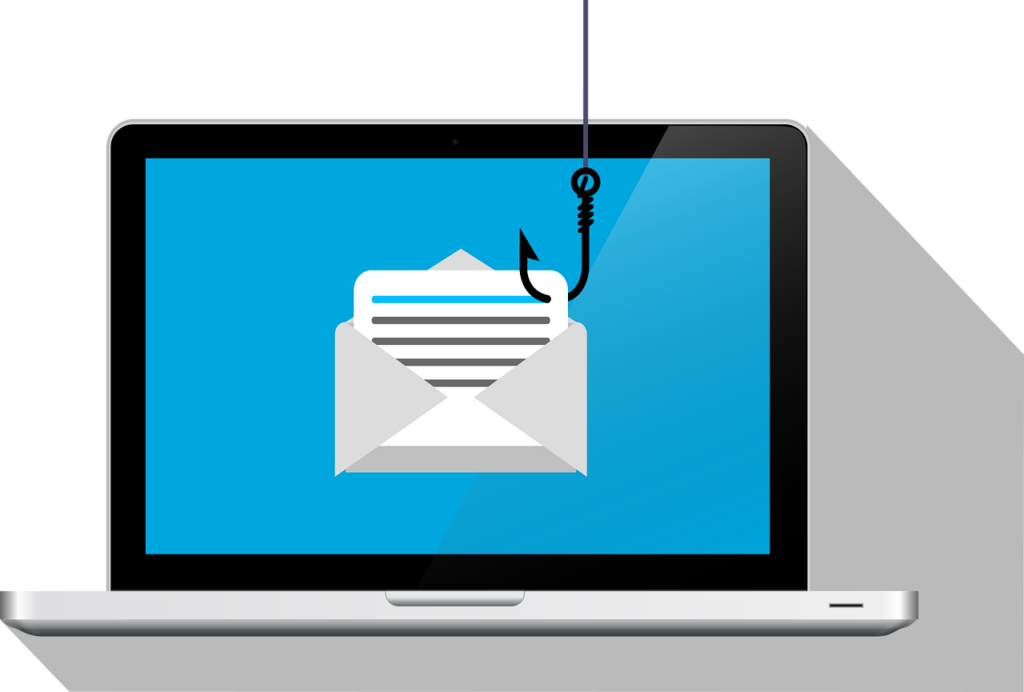
“Phishing” is a homophone of the word “fishing“, and the method is similar: a cybercriminal contacts you, usually through email, and entices you to respond quickly, without thinking carefully, and so deceiving you into giving them personal or sensitive information.
There are other forms of phishing:
-
- smishing (phishing via SMS) and
- vishing (phishing through a phone call or voicemail) and
- angling (phishing via instant/direct messaging).
Phishing that targets a particular person is called spear phishing.
Trying to phish someone with access to a lot of money or high-level and sensitive information is called whaling.
How does phishing work?
The cybercriminals try to access sensitive personal or company information – often a bank or social media account – by getting you to click on a website link (often in an email) and entering your account details.
Sometimes a malicious application is attached to the email, disguised as an ordinary file.
The process goes something like this:
- You receive an email that appears to be from an official company: a bank, power company, or social media website, for example.
- They tell you that you need to take some action, which may require you to provide personal details, especially user name and password. (Or it may seem like a great offer, discount, or prize.)
- You click the link they provide in the email.
- Your browser opens a spoofed (faked) website, which appears to be the real one. (Clicking the link or opening/downloading the file might also install malicious software on your system, which could steal a lot of personal information and files without you knowing).You enter your details to access the site.
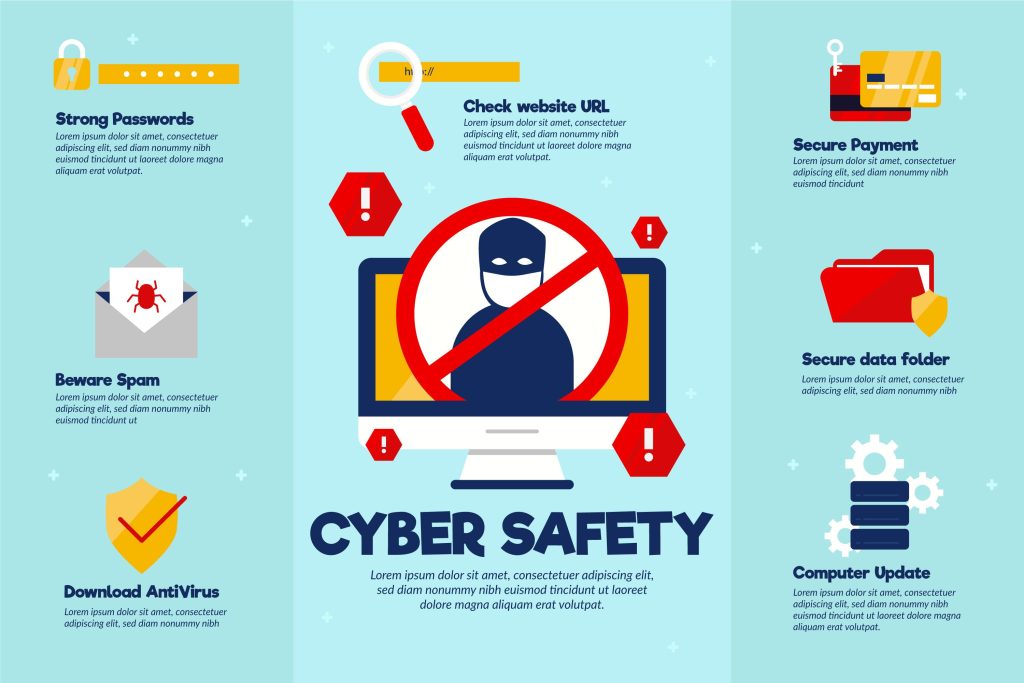
- The spoofed website takes your login details, thanks you for confirming and the cybercriminals can now access your account and help themselves to your money or personal details. They might even pass your details through to the correct site, and you might never suspect there is anything wrong.
How do the cybercriminals try to get you to click on the link? They use social engineering: manipulating you through emotion – surprise, fear, greed, even compassion – so you click the link without thinking carefully and verifying, through other means, that the communication is genuine.
How can you spot a phishing email?
Although phishing emails can look almost identical to the genuine article, phishing attempts might have some of the following characteristics:
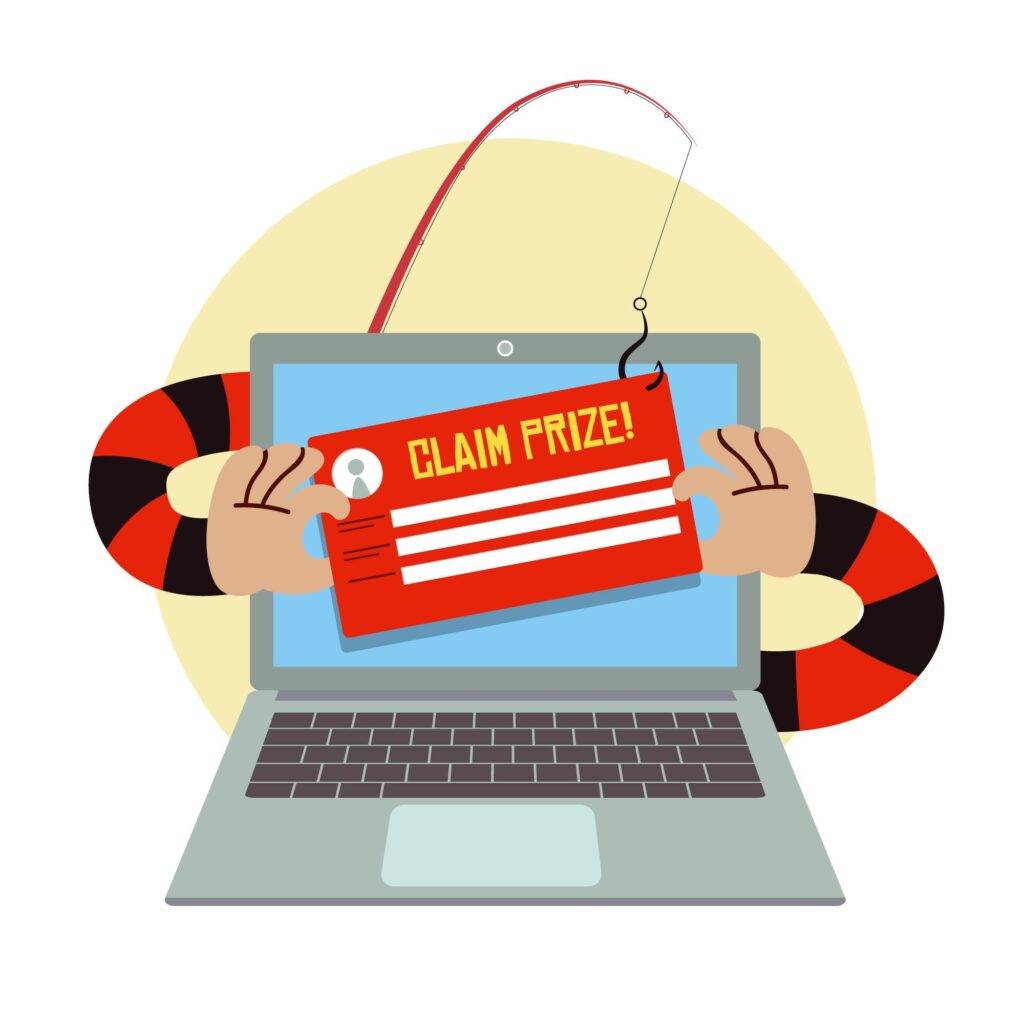 The message might start with, or contain, a message like the ones below:
- “We have detected unusual activity on your bank/social media account: login here to verify your details”
- “Win a free mobile phone: offer ends in six hours!”
- “You must update your password.”
- “Your social media account has been locked. Click here to unlock it.”
- “We need you to help us before it’s too late!”
- Generic words instead of personal details: phishing emails intended to net as many people as possible will not have personal information. They might address you as “Dear client”, “Dear sir/ma’am”.
- The sender’s address doesn’t look genuine: the words after the @ are extensive, unrelated, or don’t look like they should belong to an official name; e.g. security@pdfgtrepc.castderpinwer.net (which would be strange domain name for any company.) However, cybercriminals can also spoof the sender’s name and address so that it seems legitimate, especially if they’ve done background research on you, which is more likely if you have access to a lot or money or sensitive, high-value information.
- Mistakes in grammar and spelling. Cybercriminals from countries with a different native language will sometimes misspell words or use awkward phrasing.
- Suspect weblink address: place your cursor over the link they want you to click on – but do not click on it – and look at the bottom left corner of your browser. The real website address, which it will send you to, will appear there.
- Be very cautious if you see a shortened web address.
- Pay close attention to the address up to the first forward slash: if the text before the first forward slash (the one that comes after the .com, .net, .org etc.) seems very long or it doesn’t seem like they belong in an official website address, it might be a phishing attempt.
- Even if the website name in the link seems genuine, fraudsters can manipulate the text of the website name to seem legitimate (called spoofing); just like they can with the sender’s address. Using facebook.com as an example, the link name might actually be:
- faceboook.com (with a third “o”; there could be many variants in spelling.)
- facebook.net (not .com).
- faceloook.com (faking a “b” by shrinking the space between an “l” and an “o”. This can be spotted more easily in a browser, but it can look genuine as a link in an email, if it’s created using a word processor and copy-pasted into the email body.)
- fɑcebook.com (using a different style of “a”.)
- facebook.corn (using an r and n to look like an m; so it’s really .corn, not .com).
- Genuine institutions should never ask for your personal details – especially passwords – in an email or by an SMS. So be wary of communications that ask for these details in an email.
If the fraudsters have done background research on you (they might, especially if you’re in an influential position, like a Chief Financial Officer), the email might seem authentic, including your correct name, job title, even names of the people you work with. Even so, the aim of the email will be to make you feel under pressure and worried or stressed, so that you act without taking due caution.
This webpage from Hook Security gives many examples of phishing emails: many of them look genuine at first glance. (I’m not affiliated with Hook Security in any way, or receiving any consideration or remuneration from them.)
How can you avoid being caught by a phishing attempt?
Be cautious if the email:
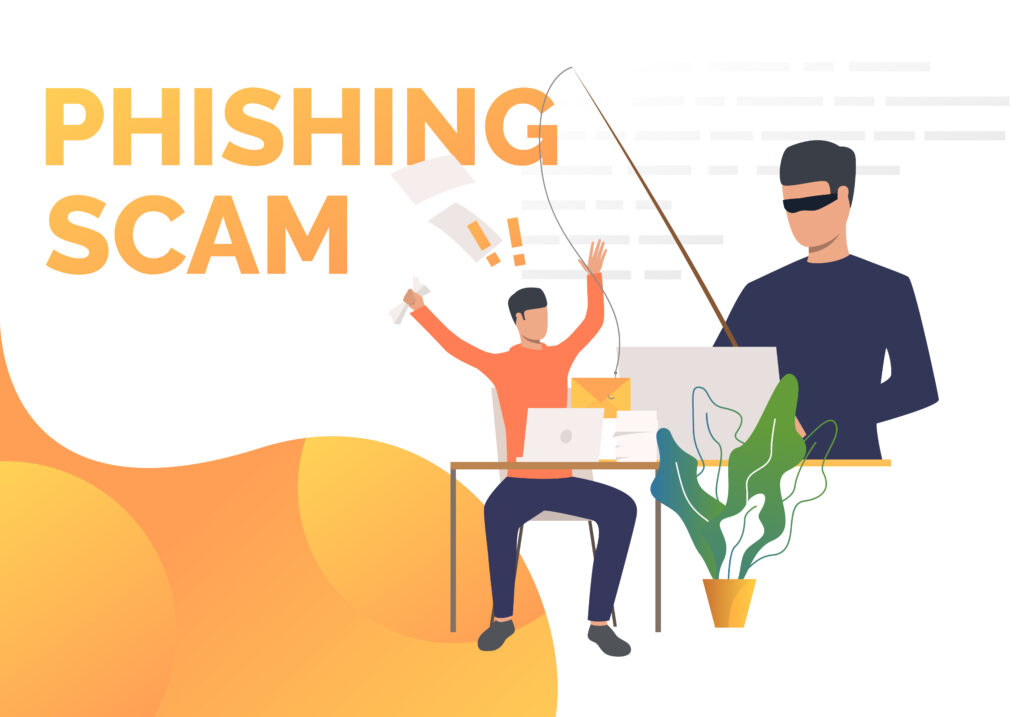
- tells you to act quickly
- makes you feel worried, stressed, or even panicked, in order to make you act quickly
Before acting, remind yourself that it could be a phishing attempt.
As mentioned earlier, place your cursor over the link they want you to click on – but do not click on it – and look at the bottom left corner of your browser. The real website address that it will send you to will appear there. Like the sender’s email address, if the words in the website name (particularly before the first forward slash) are extensive, unrelated, or don’t seem like they should belong to an trustworthy domain name; e.g. pdfgtrepc.castderpinwer.net – it might be a phishing message.
Do not reply to the suspect communication. Instead, contact the sender by another means (phone, creating a new email) and ask them if they sent the message.
Go to the original site (of your bank or social media account etc), but not through the link in the email: in your browser, type in the name of the website in the address bar. Go the the website you know, not the one you’ve been given in the link.
Two-factor authentication (2FA)
There is an extra security measure to protect your accounts: two-factor (2FA) or multiple-factor (MFA) authentication.
Your bank, social media company, and others should offer this function to help protect your accounts.
It is important to note that, if you are caught by a phishing attempt, the cybercriminals will still obtain your username and password but with 2FA or MFA it is more difficult – but not impossible – to access your account. 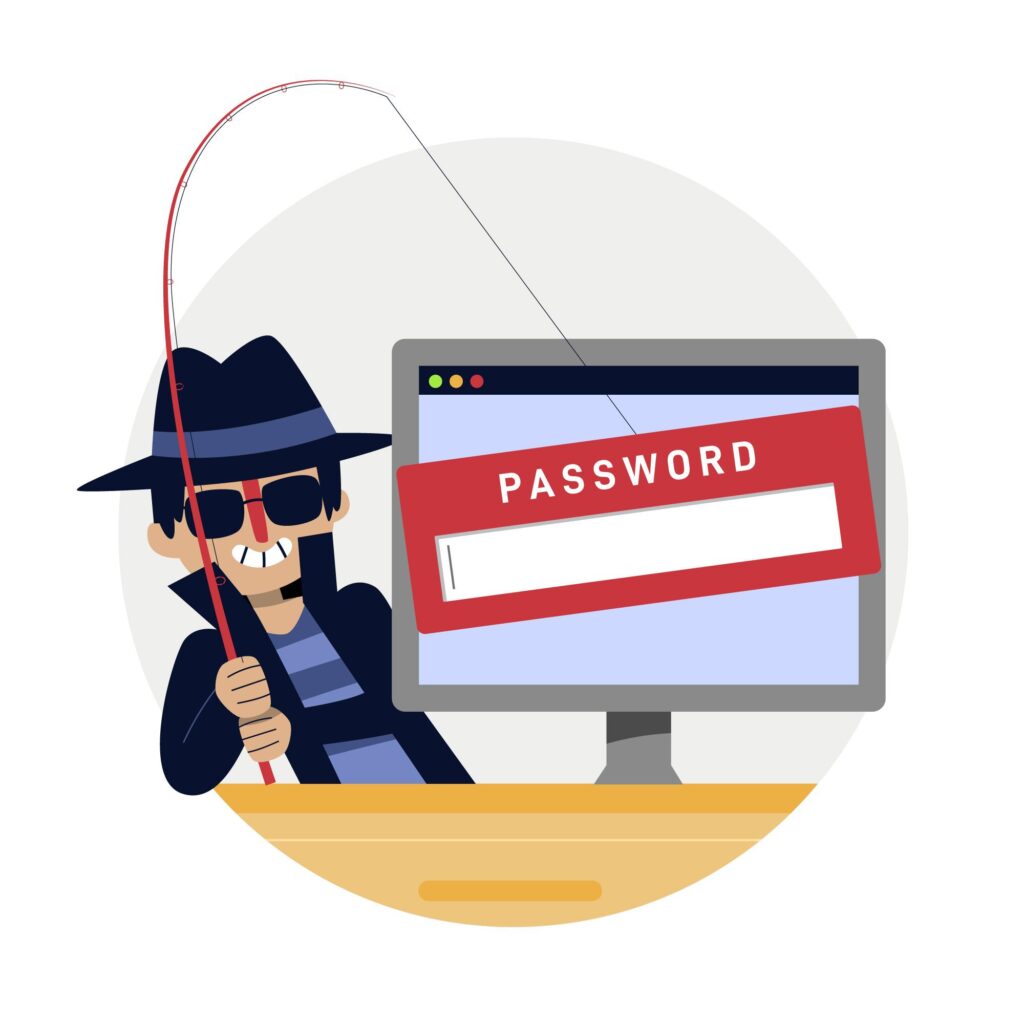
2FA usually functions like this:
- On the company’s website, already logged into your account, you choose to activate 2FA.
- You then choose how to be contacted to confirm your identity with 2FA. Usually they offer an instant messaging (IM) option, so you will need your mobile phone or tablet with the messaging app.
- Financial institutions usually either provide you with a hardware token or an online app to use for 2FA.
- Once this is set up, then, after you’ve logged in to the website with your username and password, you have to enter another code (often a six-digit number) that the company will send you, or that you can generate with a hardware or software token.
- When the company confirms the code, you can then access your account.
To repeat: even if you use 2FA, the cybercriminals will still have obtained your username and password, or other details that you’ve entered on their website. So 2FA is another layer of defense – but it can be overcome.
Other actions you can take to protect yourself – and others.
If you receive a suspect email at work, let your IT department know, for them to deal with it. Telephone them or create a new email. Don’t forward it to them unless they direct you to do so. 
For personal accounts, contact the bank or company through their phone number or helpdesk email shown on their website. Tell them you have received what you might be a phishing email.
What do you do if you think you have been a victim of phishing?
Contact the company and tell them you believe you might have been a victim of phishing.
Change your password as soon as you can; and, if possible your username.
As a layer of protection, never use the same password and username combination for different websites, accounts and services, so even if one account is hacked, the rest of your accounts can’t be accessed with that combination. (More about passwords in another post.)
Keep your guard up!
* NOTE: All pictures used in this post are royalty free, free to use.
Contact me
- Contact page.
- E-mail at info@cybereducation.ro
- Phone call at 0771 754476, Monday to Friday 9:00 - 17:00.
- The contact form below.

Leave a Reply